 ColorFlowTex
Create and import
Add colors with the picker, HEX or RGB. Import CSV and XLSX data or samples from images.
Now available on the App Store
ColorFlowTex helps textile technicians and designers create, organize and analyze professional palettes on iPhone and iPad.

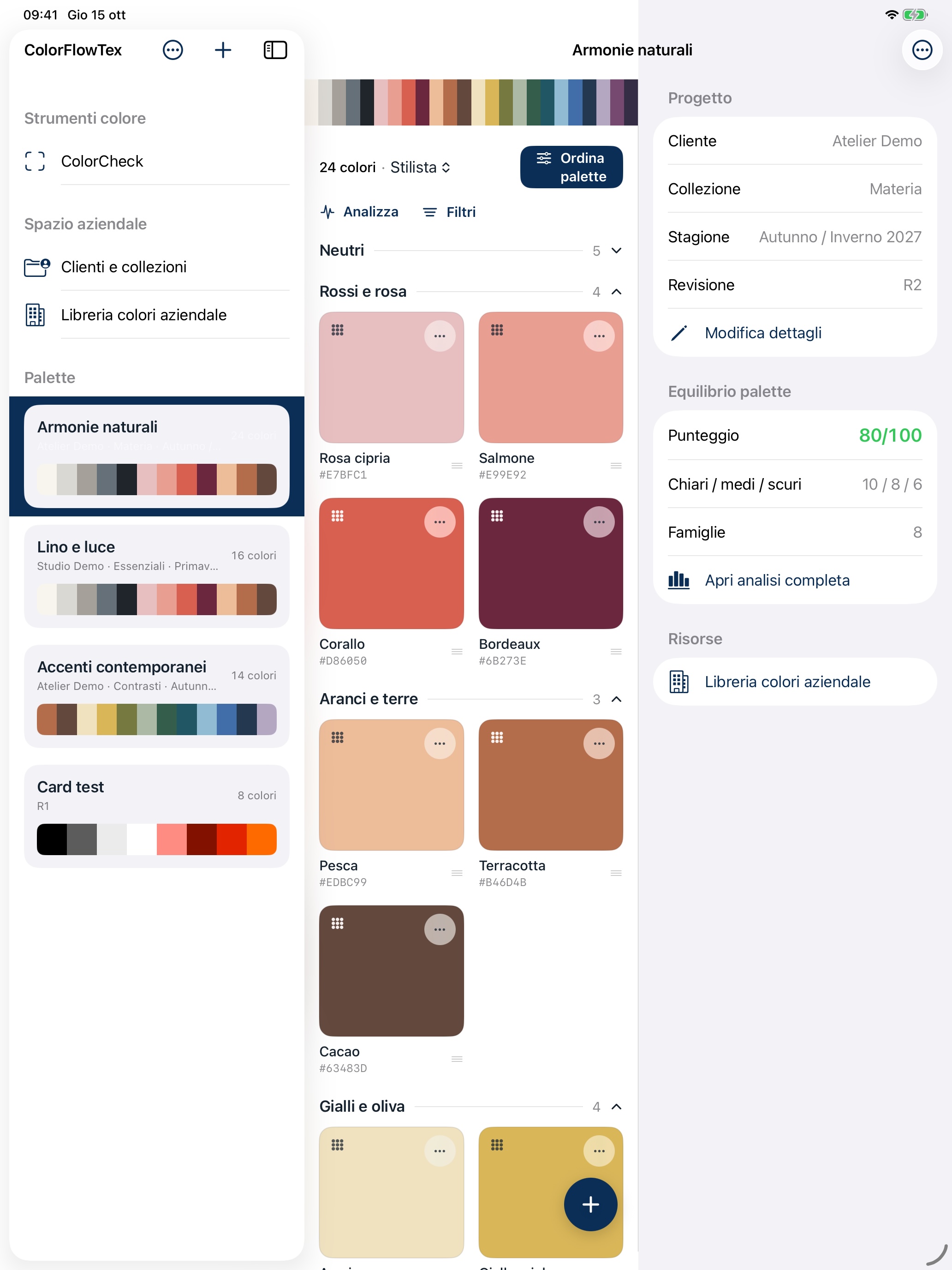
From 3 to 500 samples, organized with a clear logic built for everyday work.
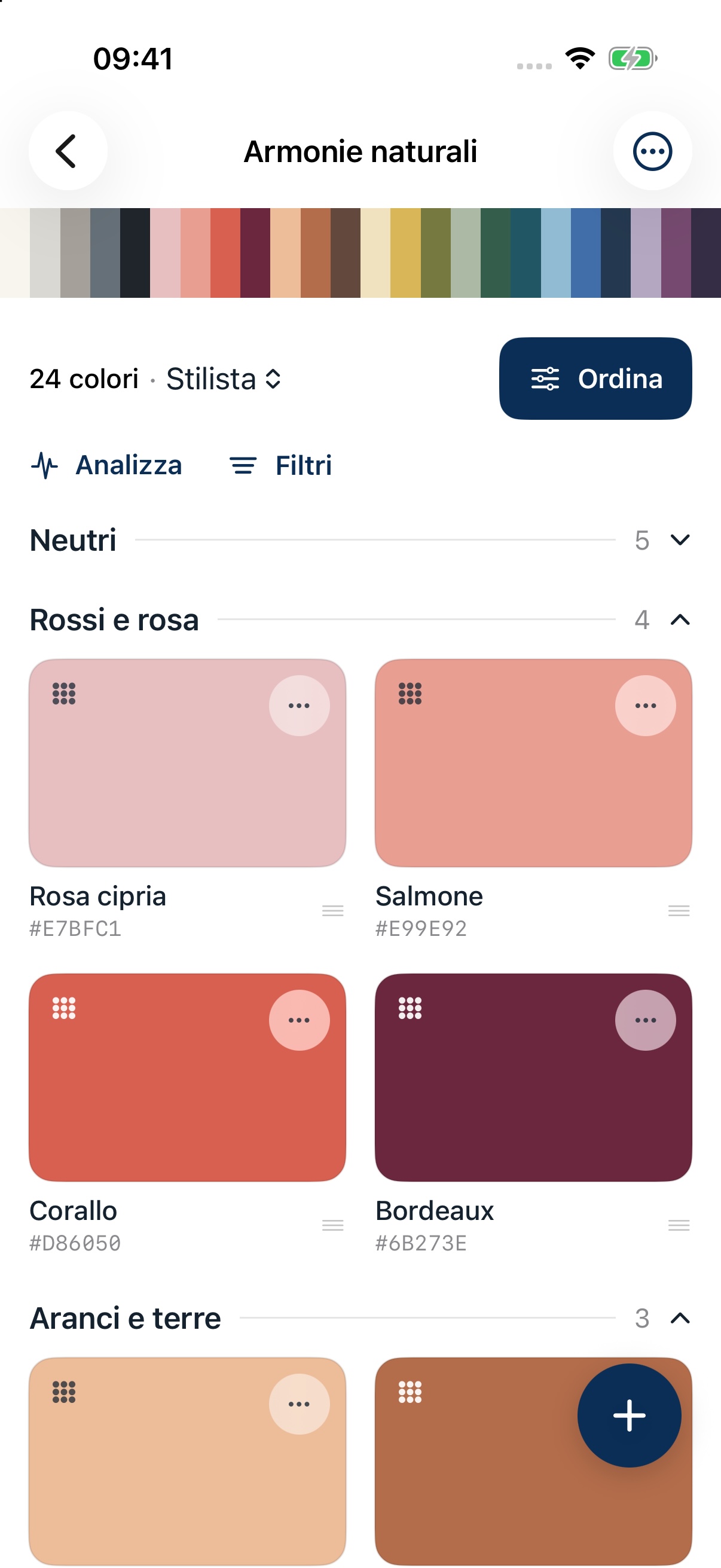
Add colors with the picker, HEX or RGB. Import CSV and XLSX data or samples from images.
Compare before and after, understand the classification, and manually adjust each color’s family and role.
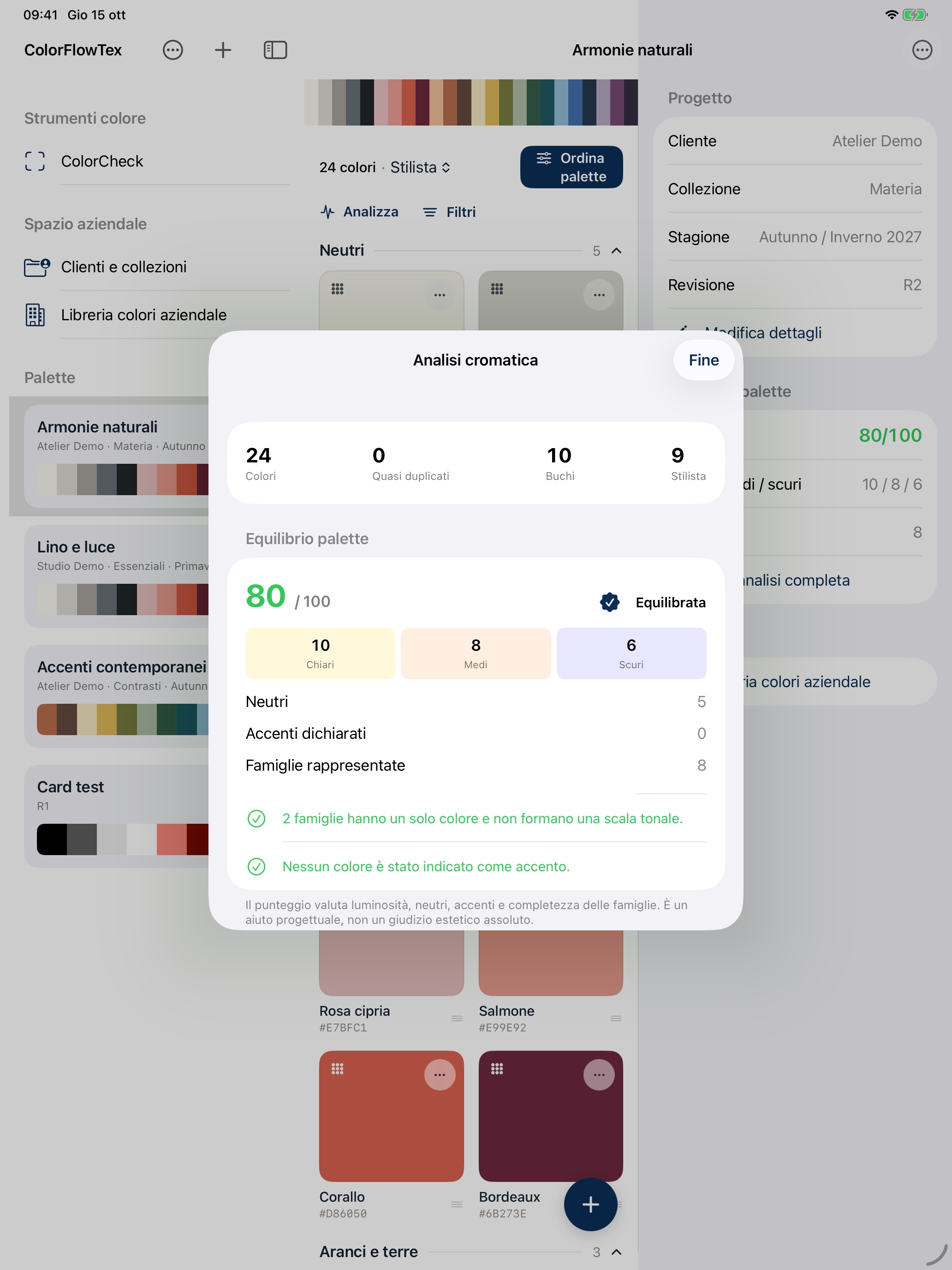
Assess light, mid, dark, neutral, accent, and family distribution alongside duplicates, color gaps, and suggestions.
Generate PDFs, images, color strips, and technical CIELAB data with Delta E between consecutive samples.
Version 1.5 · ColorCheck
From original to comparison sample: explore differences in the appearance recorded by the camera, directly on your device.
Download on the App StoreA two-capture workflow with a central reticle to select a representative area of each sample.
Tap the preview to start autofocus at the selected point. Exposure and white balance stay locked between samples.
On compatible devices, select the close-up lens before capturing the original. The lens’s reported minimum focus distance helps you position the phone.
See whether the comparison image is lighter, darker, redder, greener, yellower or bluer. Photographic ΔE00 describes the images, not a certified fabric measurement.
Exposure and uniformity checks help flag captures that may not be representative. Every session starts with acknowledgement of the method’s limitations.
On-device analysis with Italian and English instructions. ColorCheck images stay in session memory and are neither saved nor uploaded to servers.
The ColorFlowTex update history: each new release is added alongside earlier versions.
1.5 · ColorCheck — latest version ↑Updated screenshots from version 1.5: from your library to before-and-after sorting and color card analysis. Select an image to open it at full resolution.
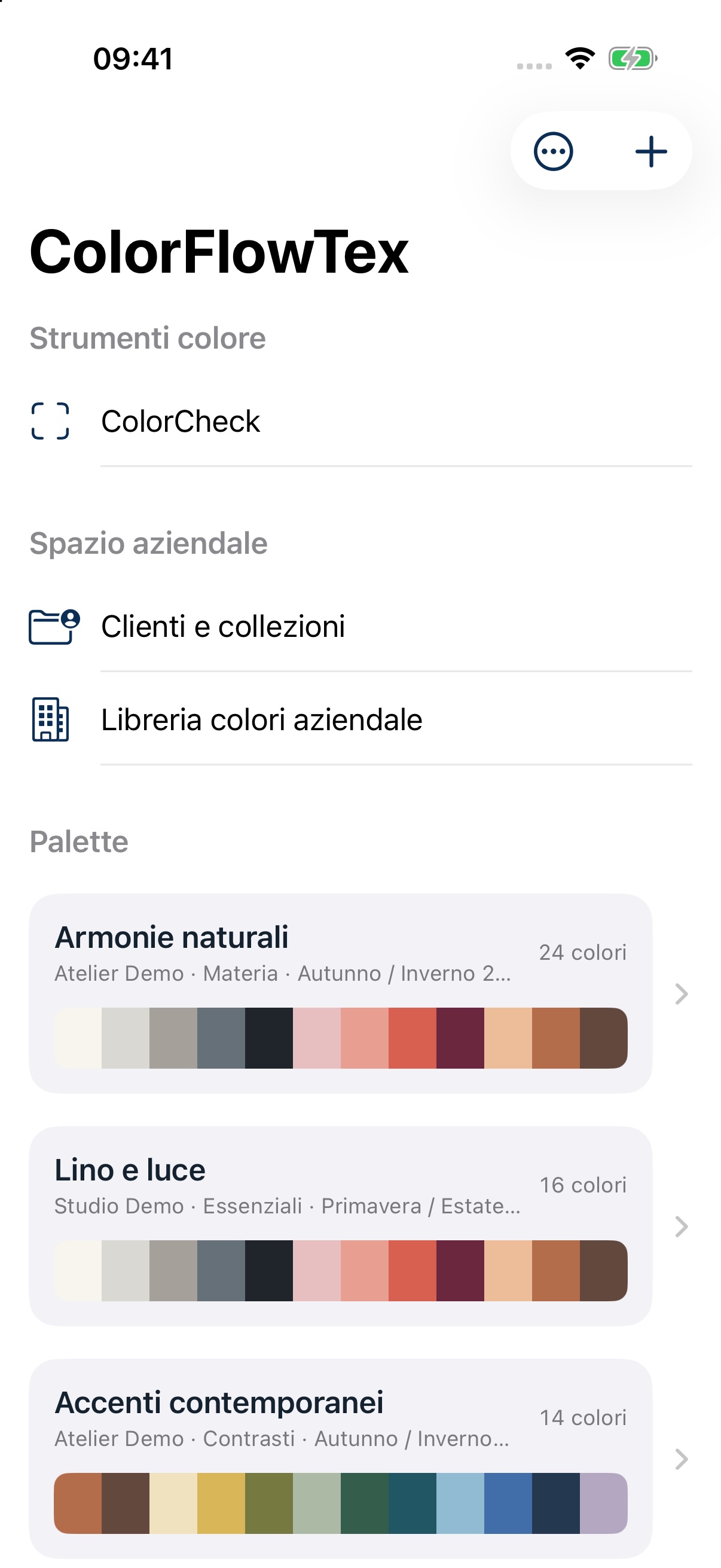
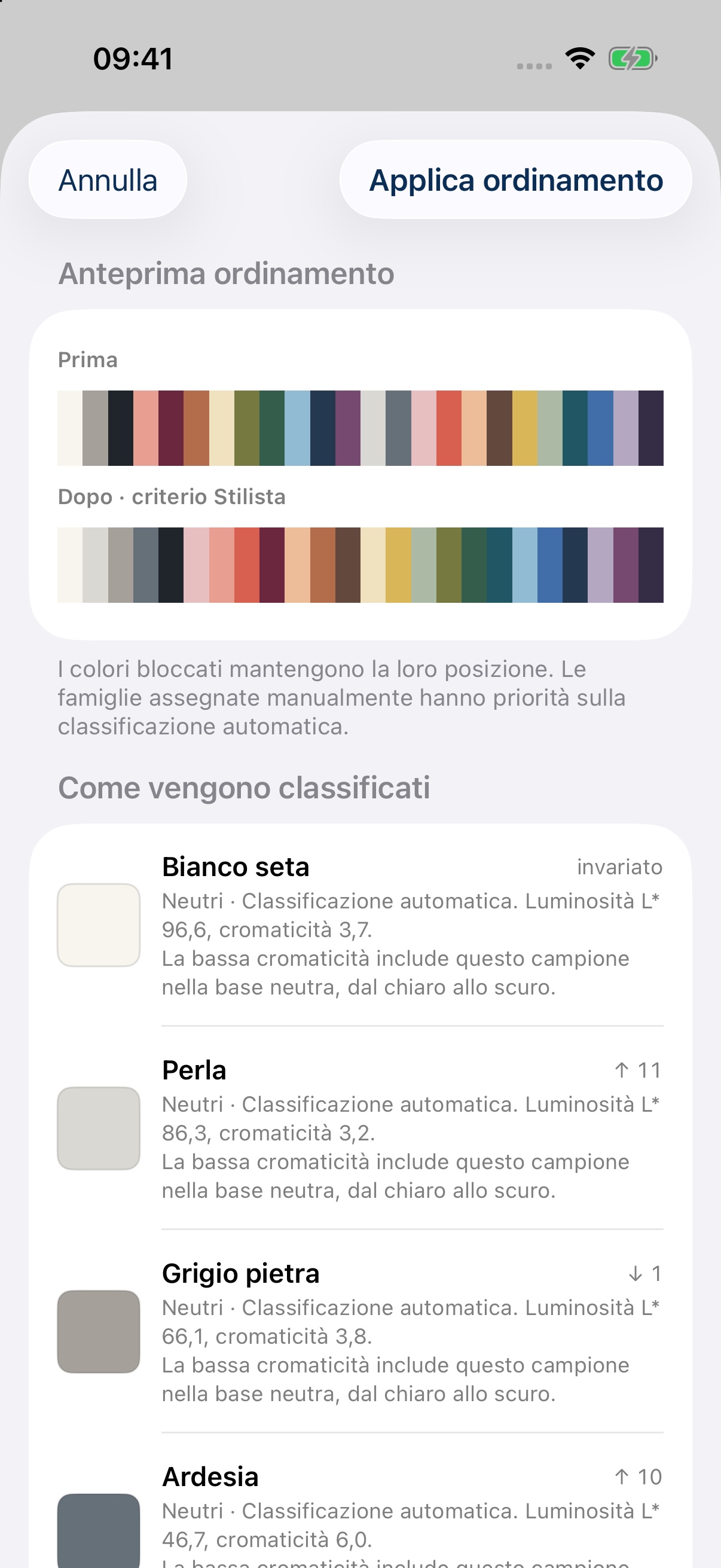
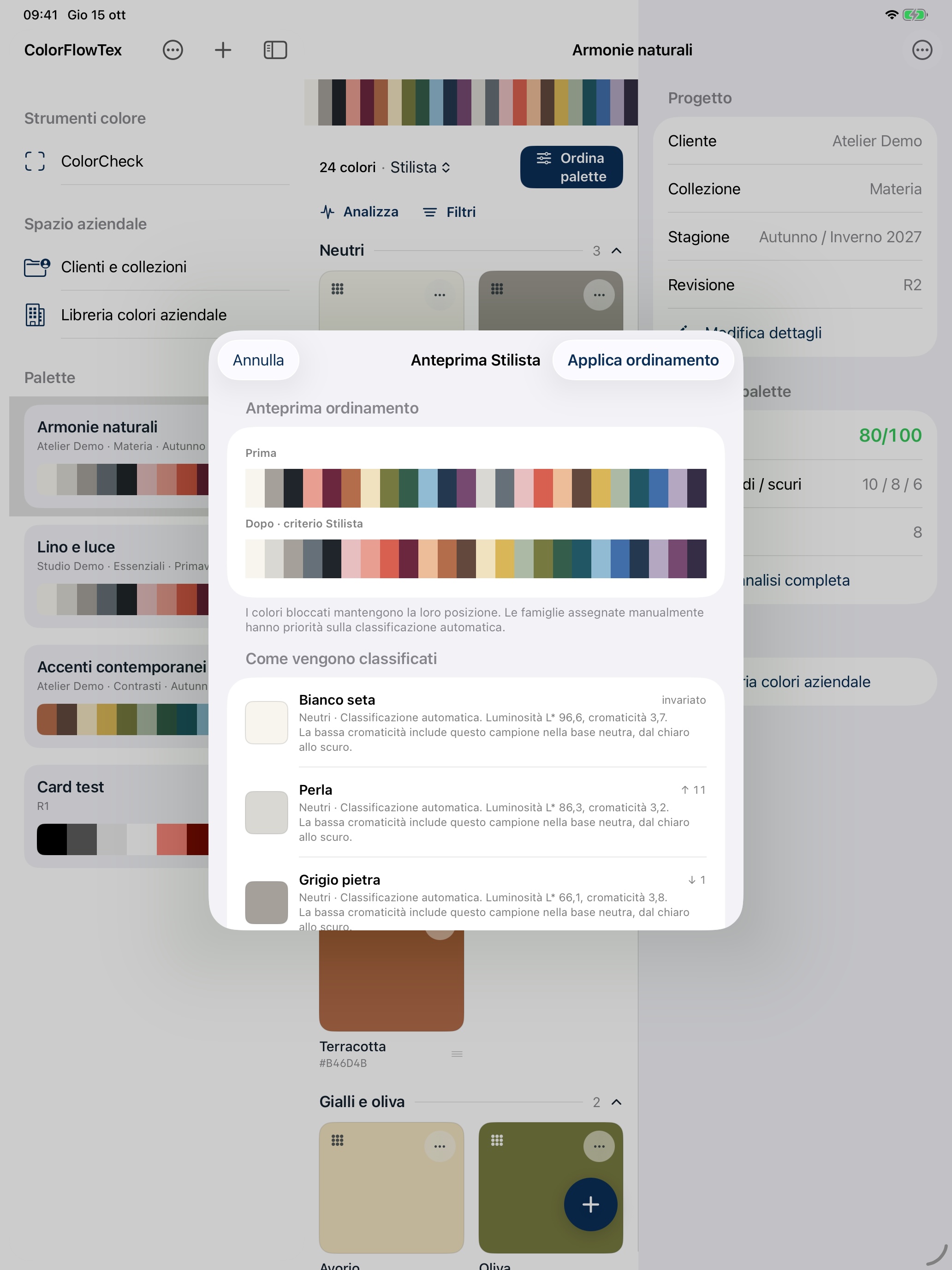
Screenshots show demonstration data and the Italian interface. ColorFlowTex also supports English.
Enter colors manually or import the data you already have.
Choose Designer, Families, Hue, Lightness or Saturation.
Analyze, correct and freely reorder with drag and drop.
Export the color card in the format that fits your workflow.
ColorFlowTex requires no account and stores palettes and analysis locally on your device. No advertising, no tracking.
Read the privacy policyQuick guides, answers to common questions and a direct link to the developer.
Visit support